Assumptions
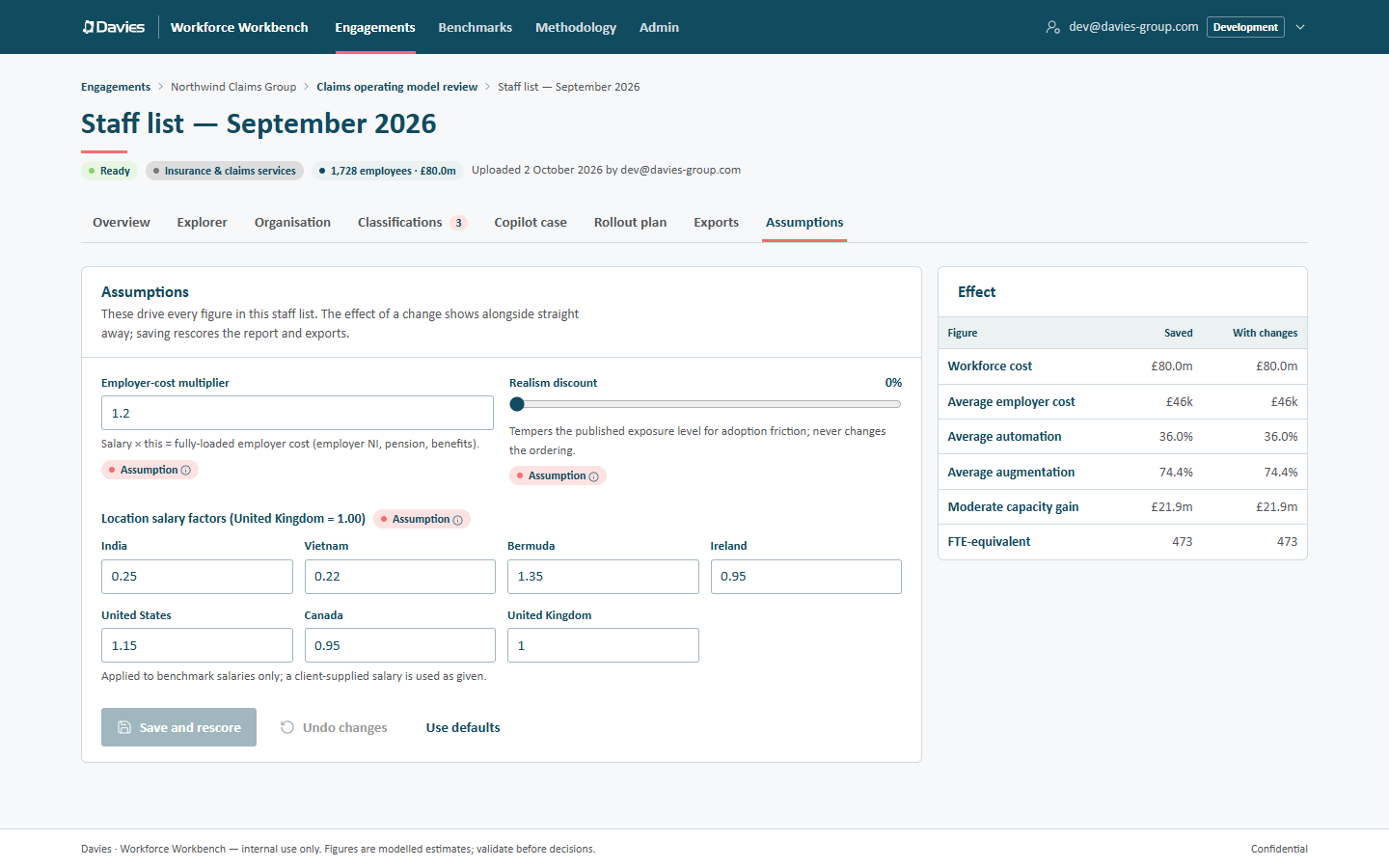
The Assumptions tab holds the three assumptions, set per staff list, that drive every figure: the employer-cost multiplier, the realism discount and the location salary factors. Leads and analysts can try values and watch the effect before saving.
Trying values
Change any value and the Effect card updates straight away, comparing Saved with With changes:
- Workforce cost
- Average employer cost
- Average automation
- Average augmentation
- Moderate capacity gain
- FTE-equivalent
Nothing changes for anyone else until we save.
| Button | What it does |
|---|---|
| Save and rescore | Saves the values and rescores the staff list on the server. The report, exports and Copilot figures use them from then on; cached AI text is cleared and regenerated on request. |
| Undo changes | Returns to the saved values. |
| Use defaults | Loads the defaults from the staff list's reference data version (then save to apply). |
Leads and analysts can save while the engagement is active. For viewers, and for everyone once the engagement is closed, the tab shows a Read-only notice naming the reason and the inputs are disabled. Saving is recorded in the audit trail as Changed assumptions.
The assumptions
Employer-cost multiplier
Salary × this = fully-loaded employer cost (employer NI, pension, benefits). Between 1.00 and 2.00; the built-in default is 1.20. That's an assumption, labelled as one: the statutory minimum alone (employer National Insurance from HMRC and the automatic-enrolment pension minimum from The Pensions Regulator, 2026/27) comes to about ×1.14–1.16, and 1.20 allows for pension and benefits above it. It applies to every salary, benchmark or client-supplied.
Realism discount
Tempers the published exposure level for adoption friction; never changes the ordering. From 0% to 60% in 5% steps; the default is 0%. It scales automation and augmentation down by the same proportion for everyone, so roles keep their order.
Location salary factors
One factor per region, relative to the baseline region (the United Kingdom, at 1.00, in the built-in data). The built-in defaults:
| Region | Factor |
|---|---|
| United Kingdom | 1.00 |
| United States | 1.15 |
| Bermuda | 1.35 |
| Canada | 0.95 |
| Ireland | 0.95 |
| India | 0.25 |
| Vietnam | 0.22 |
Applied to benchmark salaries only; a client-supplied salary is used as given. A benchmark salary is the UK ONS ASHE median for the role's UK occupation × the location factor.
How a person's region is found:
- an explicit Country value that equals one of a region's country values (for example GB, UK or United Kingdom);
- otherwise, the first region (in the reference data's order) with a keyword contained in the free-text Location (for example London or Remote - UK);
- otherwise, the baseline region.
Location factors also drive the offshore view: locations below 0.6 count as already offshore, and those at 0.9 or above can hold migration candidates (built-in thresholds).
What isn't on this tab
Some inputs are set elsewhere:
| Input | Where |
|---|---|
| Scenario realisation rates (conservative, moderate, aggressive) | Reference data, managed by administrators. The Overview's Test other realisation rates is a sandbox that isn't saved. |
| Copilot licence price, productivity, value base and fit shares | The Copilot case tab (not saved) and each saved rollout plan. See Copilot business case. |
| Industry pack | The engagement's Settings. Changing it rescores every staff list in the engagement. |
| Classifications | The Classifications tab, as overrides. |
| Regions, their keywords and default factors, the exposure band, review threshold, S-curve, ROI bands and every other constant | Reference data, versioned and published by administrators. |
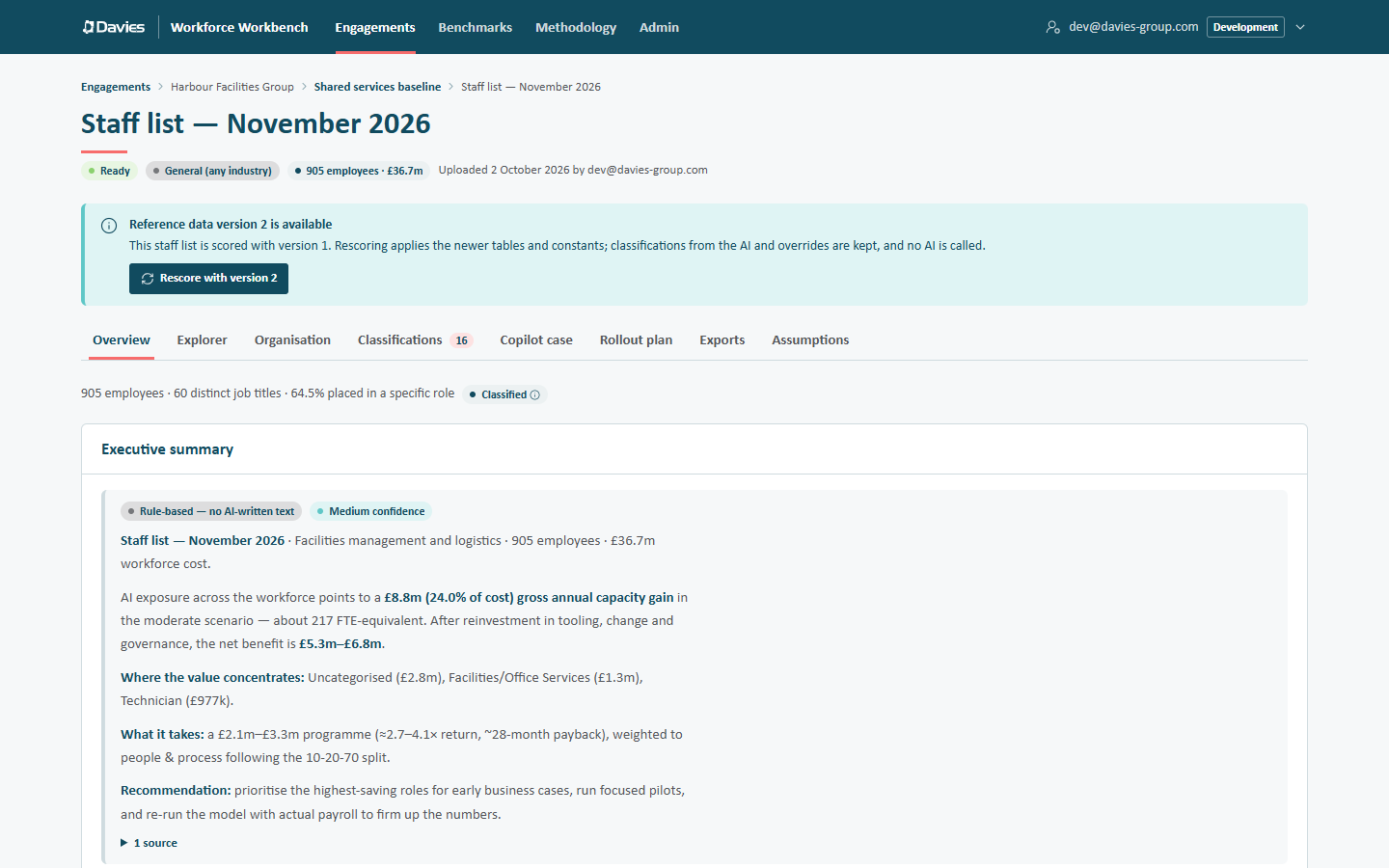
A staff list keeps the reference data version it was scored with. When administrators publish a newer version, the staff list shows Reference data version N is available and, for leads and analysts, a Rescore with version N button. See Provenance and methodology.