Administration
Admin appears in the top bar for administrators only. Anyone else who opens it sees Administrators only.
The page header shows four platform figures: Engagements, Datasets (the number of staff lists), People analysed and Cached titles (with how many are verified). Below them, six tabs:
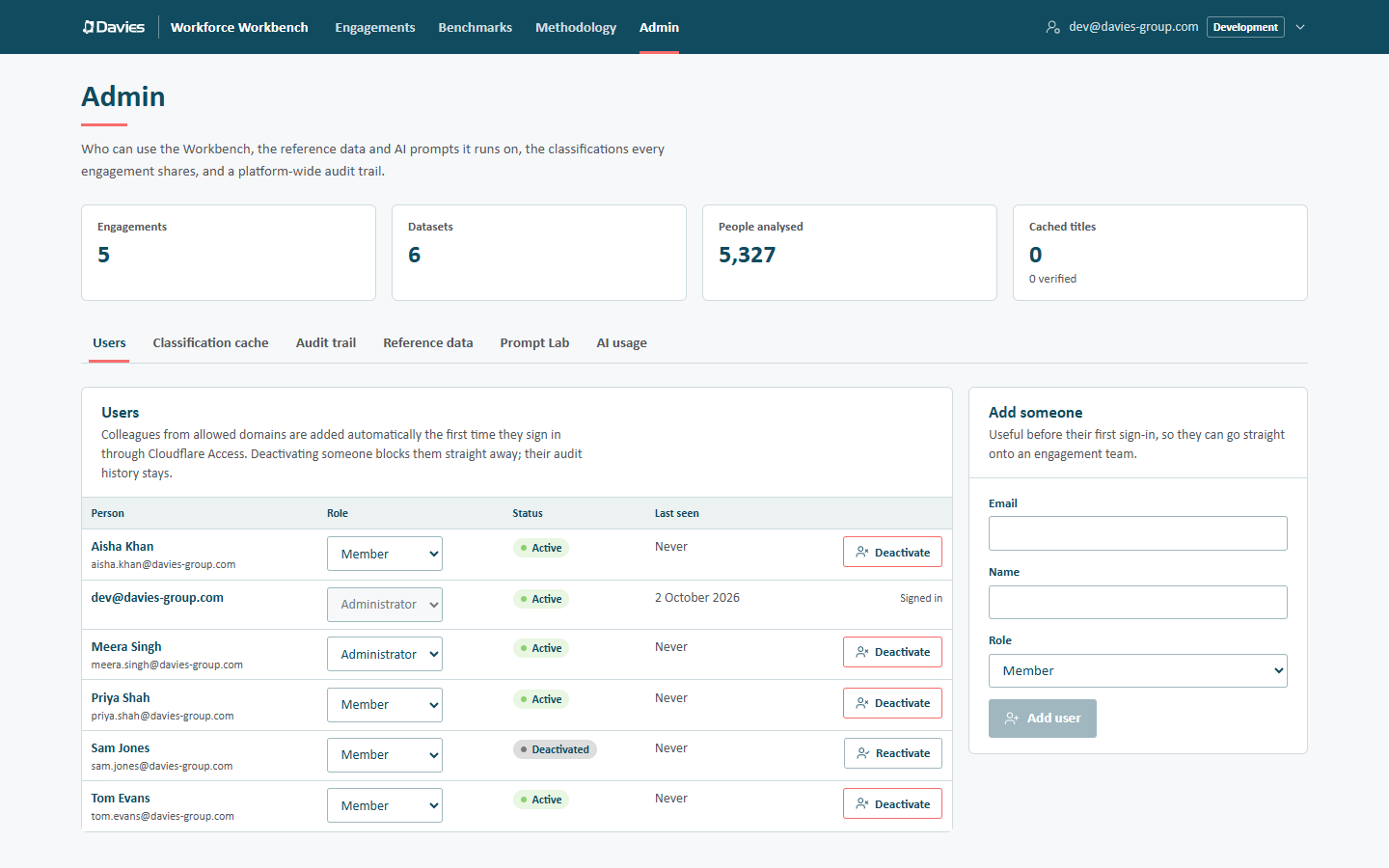
| Tab | What it's for |
|---|---|
| Users | Who can use the Workbench, their platform role, and deactivation. |
| Classification cache | The AI classifications shared across engagements: verify or remove entries. |
| Audit trail | Every engagement's trail plus user, cache, reference data and prompt administration. |
| Reference data | The occupation tables, title rules and model constants every figure is built from, versioned. |
| Prompt Lab | The AI prompts: edit, test side by side and publish. |
| AI usage | Spend against the monthly budget, by month and feature. |
What administrators can and can't do
Administrators can:
- see and act on every engagement as its lead would, and delete an engagement outright;
- manage users and platform roles;
- verify and remove shared cache entries;
- read the platform-wide audit trail and AI usage;
- draft and publish reference data and prompts.
Administrators can't see names and emails on an engagement unless they're on its team with PII access, like anyone else, and they can't grant that access to themselves: another lead or administrator has to. The database enforces this.
Reference data and prompts are platform-wide. A published prompt is used by the next AI call anywhere; a published reference data version is used by every new staff list. Test prompts in the Prompt Lab, check reference data's validation, and write clear notes on what changed and why.