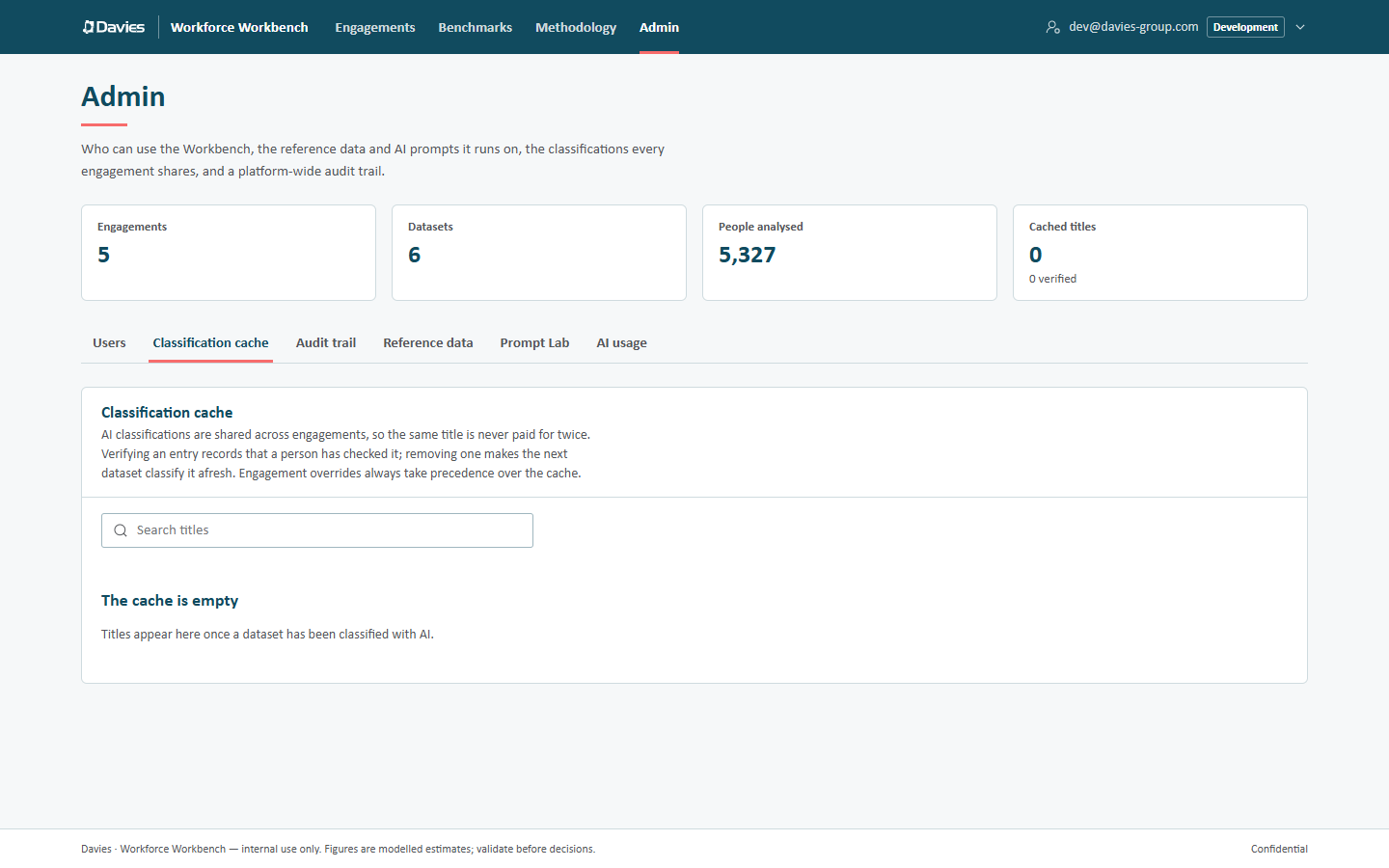
Classification cache
AI classifications are shared across engagements, so the same title is never paid for twice. Verifying an entry records that a person has checked it; removing one makes the next dataset classify it afresh. Engagement overrides always take precedence over the cache. (Here, as on some other admin screens, dataset means a staff list.)
What the cache holds
Each entry is keyed by the normalised job title (lower-cased, whitespace collapsed, surrounding punctuation removed) and its context, which is the engagement's industry pack (for example general, insurance or banking). It holds:
- the US SOC-2018 and UK SOC-2020 codes the AI chose;
- the AI's confidence;
- the model and prompt version that produced it;
- how many times it has been reused (Uses), and when it was last updated.
Titles and codes only: nothing identifies a client, an engagement or a person.
How it's used
During classification, after overrides and industry-pack rules, the Workbench looks up each title in the cache for the engagement's industry pack. A hit is used instead of calling the AI, and its use count goes up. Engagements whose Share job-title classifications across engagements setting is off neither read from nor write to the cache.
New AI classifications from sharing engagements are written back automatically. An entry an administrator has verified is never overwritten by a fresh AI answer.
A cached classification below the review threshold (60% confidence by default) still lands in the review queue on each staff list.
The cache page
- Search titles filters by normalised title.
- The table shows Title, Context, Occupation (US · UK), Confidence, Uses and Updated, most-used first, 100 to a page (Previous / Next).
- Verify marks an entry as checked by a person (Verified appears beside it). Unverify removes the mark.
- Remove removes an entry, after confirming (Remove this cached classification?): "…" will be classified afresh the next time it appears. Datasets already scored keep their current results.
When nothing has been classified with AI yet, the page says The cache is empty.
Verifying and removing are audited (Verified cache entry, Deleted cache entry).
When to use it
| Situation | Action |
|---|---|
| A common title is classified well | Verify it, so a later AI answer can't replace it. |
| A title is classified wrongly across engagements | Remove the entry. On engagements already affected, add an override; existing staff lists keep their results until then. |
| A title is wrong only for one client's context | Use an override on that engagement, not the cache. |
The cache has no edit screen for codes: to correct an entry, remove it (the next upload re-classifies it) or set an override.